
Easy to join. Controlled by the agency.
MuniMessage gives verified government organizations a fast way to get started, then lets each agency decide exactly how additional users are allowed to join and communicate.
A .gov address creates the fast path.
When signup opens, enter a valid .gov email address and verify the PIN sent to that mailbox. MuniMessage then checks whether your government email domain already belongs to an agency.
Enter your .gov email
Start from the MuniMessage sign-in or trial page using your government email address.
Verify the address
Enter the six-digit PIN sent to your .gov mailbox to verify the address before agency enrollment continues.
Create or join the agency
Join your existing agency if self-enrollment is enabled, or choose to request administrator approval if access is restricted. If your email domain is unassigned, set up a new agency trial.
Choose enrollment rules
New agency administrators choose how coworkers can join. Users joining an existing agency follow its current enrollment rules.
Open the door only as far as you want.
After an organization is established, its administrators control how new users are admitted.
Domain self-enrollment
Allow any user who can verify an email address on an approved agency domain to create an account from the MuniMessage sign-in page.
Invitation only
Require an administrator or authorized manager to invite each user before an account can be created.
Restricted enrollment
Users can request access when self-enrollment is disabled. An authorized agency administrator reviews the request; approval sends an email link to continue enrollment. Enterprise identity integration also supports admission based on approved directory groups.
Role and department placement
New users can be placed into the appropriate department, role, and administrative scope instead of receiving broad access by default.
Controlled partner access
External or interagency communication can be enabled deliberately without turning the agency into an open messaging network.
Change the policy later
Organizations can tighten or expand enrollment rules as their deployment grows, without changing the everyday messaging experience.
Familiar messaging inside defined guardrails.
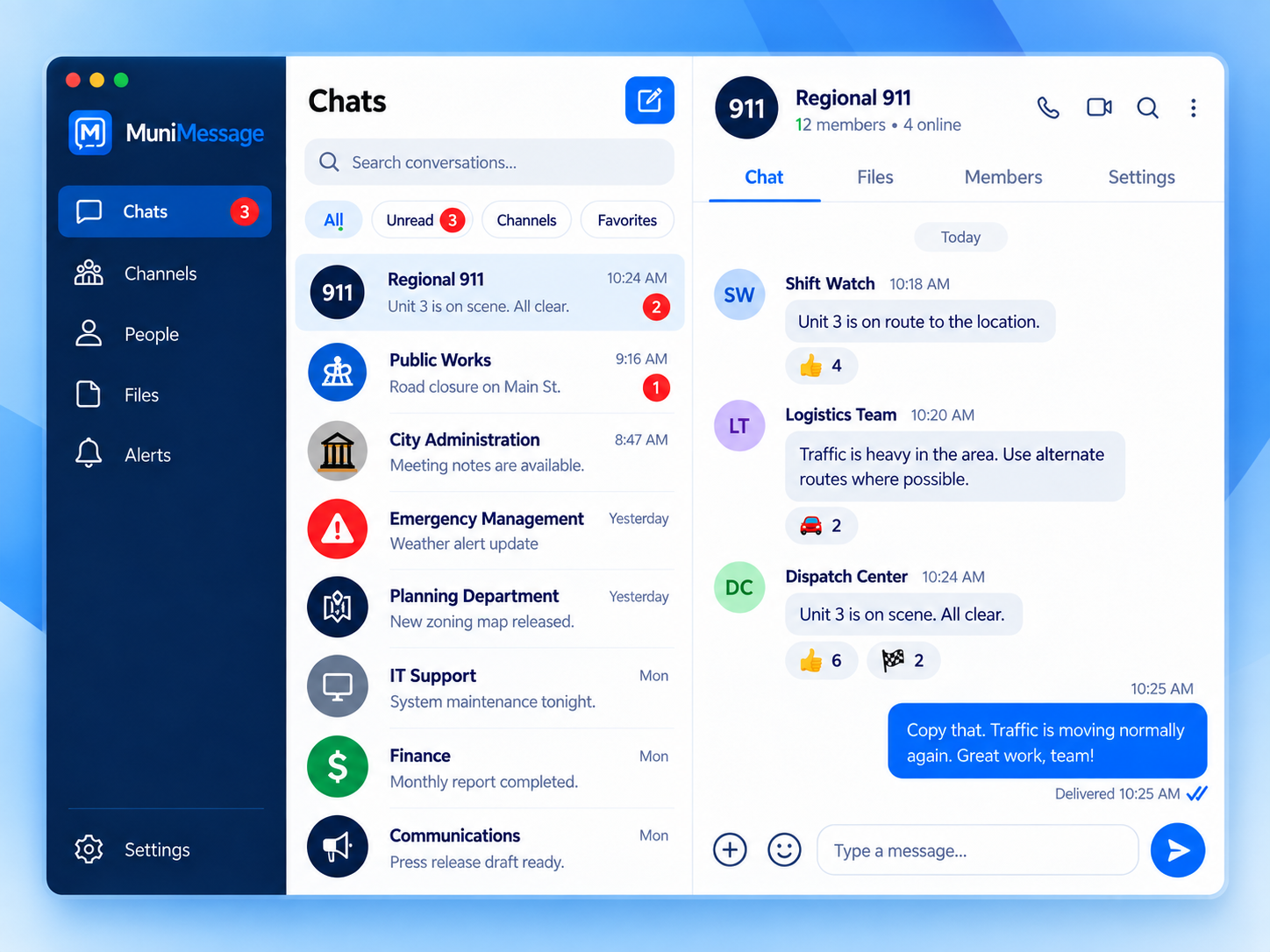
Once users are admitted, the experience stays simple while identity, records, administration, and organizational boundaries remain under agency control.
Direct messages
Message one person or create an ad-hoc multi-person conversation.
Channels
Use persistent organization-managed spaces for teams, departments, or operations.
Interagency communication
Connect approved users and partner organizations without broadly opening the internal environment.
Administrative control
Identity, audit, retention, records access, and enrollment policy stay with the organization.
Start with a verified .gov identity.
Verify your government email with a PIN, then follow your agency's enrollment rules or set up a new trial.